
Watch YouTube on CarPlay with iOS 26
CarTube does not support iOS 26. Here are the methods that actually work for iOS 26 CarPlay users in 2026.
Watching YouTube on CarPlay with iOS 26 is possible — but not through Apple's built-in system alone. As of 2026, CarTube and TDS CarPlay no longer work on iOS 26, leaving many users searching for a solution that actually functions on the latest iOS version.
The only confirmed working method for iOS 26 users today is a CarPlay AI Box — a plug-and-play hardware adapter that connects to your car's USB port and runs YouTube, Netflix, and any streaming app directly on your CarPlay screen. It operates independently of your iPhone's iOS version, requires no jailbreak, and works while the vehicle is parked.
If you recently updated to iOS 26 and lost access to your previous YouTube on CarPlay setup, this guide covers exactly what stopped working, why it stopped working, and what to use instead in 2026.
Why CarTube Is Not Supported on iOS 26
CarTube relies on a sideloading method that Apple restricted starting with iOS 16. iOS 26 further tightened these restrictions, meaning CarTube IPA installation no longer functions on any device running iOS 16 or above. If your device is on iOS 15.7.7 or lower, CarTube still works.
Cartube Compatibility Checker → CarTube Install Guide → Check Your iOS Version
What Happened to TDS CarPlay?
TDS CarPlay was one of the most popular methods for watching YouTube and mirroring your iPhone screen to CarPlay without a jailbreak. At its peak, it reached over 50,000 downloads. It worked on a specific subset of iOS versions by exploiting a CarPlay entitlement that Apple had not officially restricted at the time.
With the release of iOS 18.6 and the same patch carried into iOS 26 Apple closed the underlying method TDS CarPlay relied on. The app no longer functions on iOS 18.6, iOS 18.7, or any version of iOS 26. There is currently no workaround.
TDS CarPlay no longer works on any version of iOS 26, and there is currently no software workaround for these versions.
How to Watch YouTube on CarPlay with iOS 26?
The only reliable method for iOS 26 is a CarPlay AI Box a small adapter that plugs into your car and runs a full Android-based interface alongside CarPlay, enabling YouTube, Netflix, and any app.
Carlinkit AI Box (Recommended Solution)
 Carplay Hacks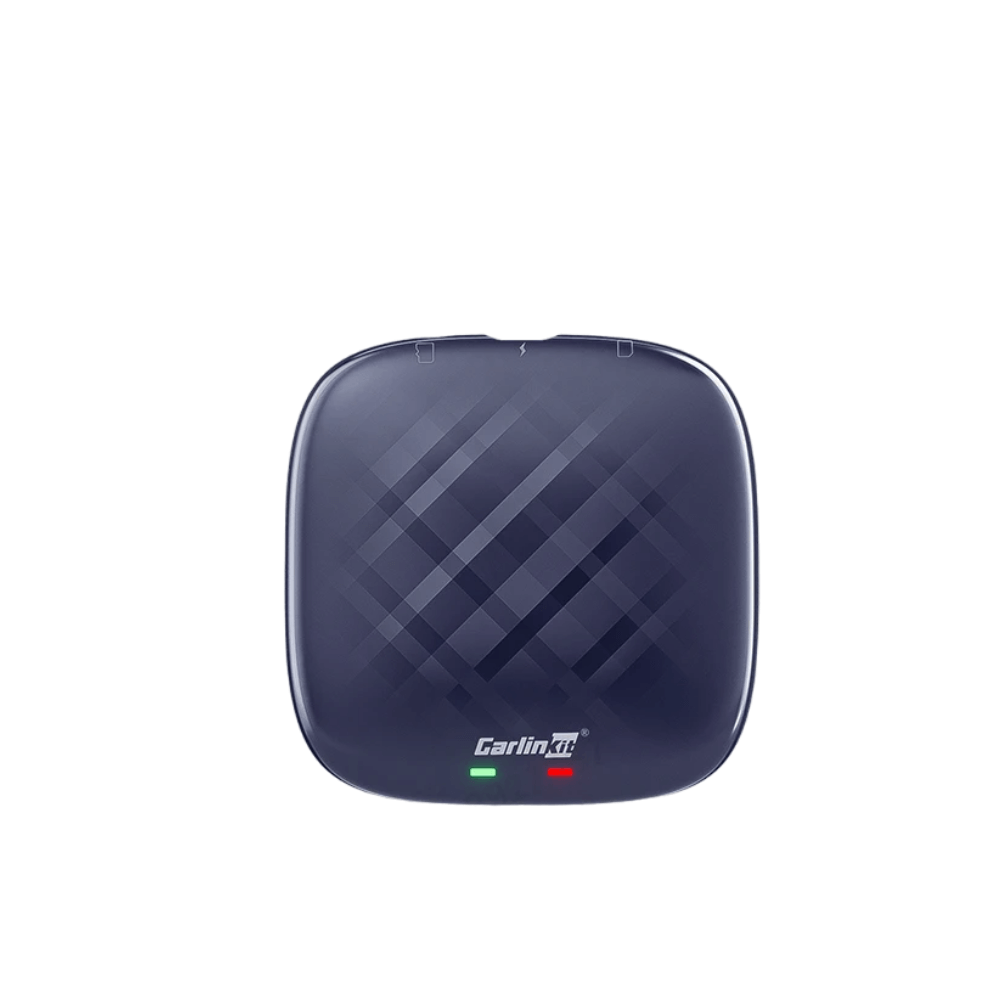
Key specs:
- iOS compatibility: iOS 10 – iOS 26 ✅
- Android version: Android 11+
- Connection: USB + Bluetooth + Wi-Fi
- RAM: 4GB / 8GB options
- YouTube: ✅ | Netflix: ✅ | 4G network support: ✅
Setup steps:
- Plug the Carlinkit AI Box into your car's USB CarPlay port
- Start the car — the AI Box boots automatically
- Enable mobile hotspot on your iPhone
- Connect the AI Box to your hotspot via its Wi-Fi settings
- Open YouTube or any app directly from the AI Box menu
Why an AI Box is the best choice for iOS 26:
- Full Independence: Runs apps directly on the car screen without using your iPhone’s battery for rendering.
- No Version Limits: Works with all iOS versions, including iOS 26, because it doesn't modify the iPhone's software.
- No Jailbreak Needed: It is a 100% legal, hardware-based solution that does not void your warranty.
Carlinkit AI box is overall best for the mid-sized market
Ottocast AI Box
 Carplay Hacks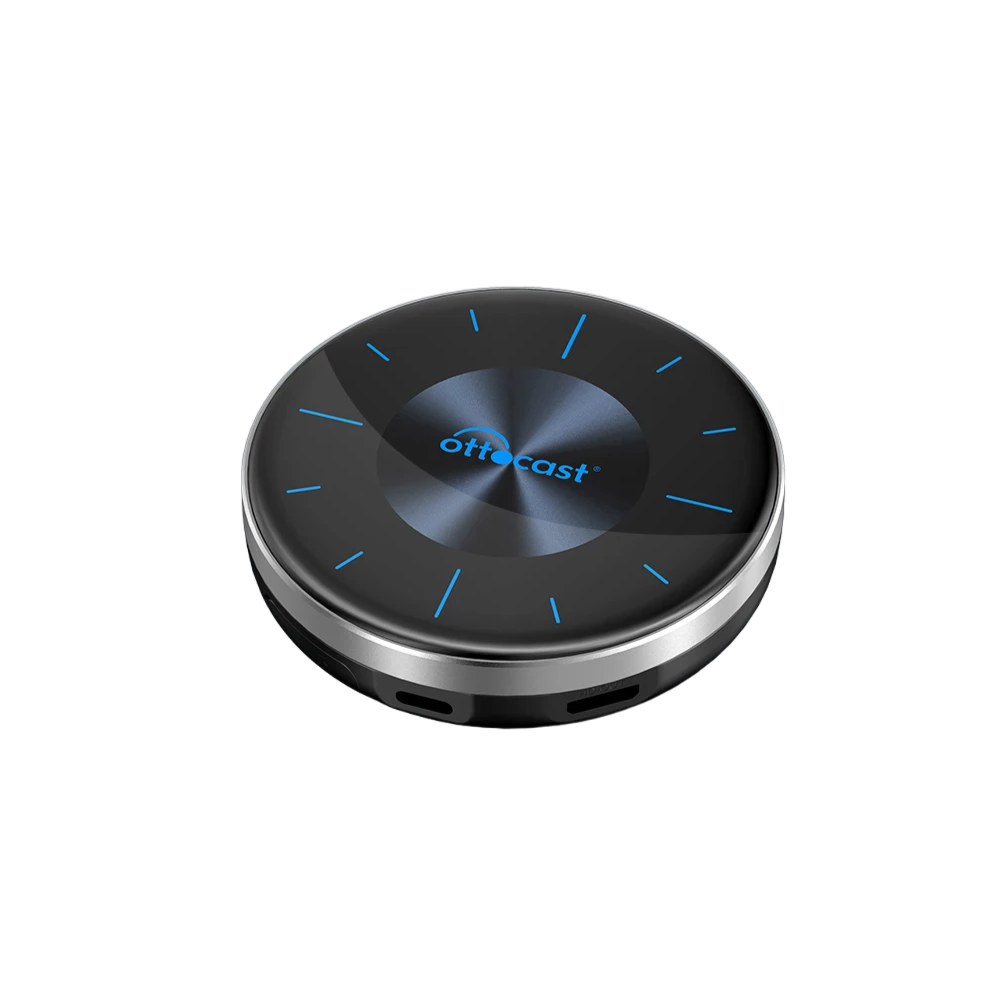
Key specs:
- iOS compatibility: iPhone 6 and above, all iOS versions ✅
- Android version: Android 14+
- RAM: 8GB | Storage: 128GB
- YouTube: ✅ | Netflix: ✅ | Spotify: ✅
- Multiple screen support included
Setup steps:
- Plug the Ottocast AI Box into your car's USB CarPlay port
- Start the car — the box boots to its Android interface
- Enable mobile hotspot on your iPhone
- Connect the AI Box to your hotspot via Wi-Fi settings
- Open YouTube or any streaming app from the app menu
Best premium Carplay AI Box for Netflix and Youtube
MMB AI Box
 Carplay Hacks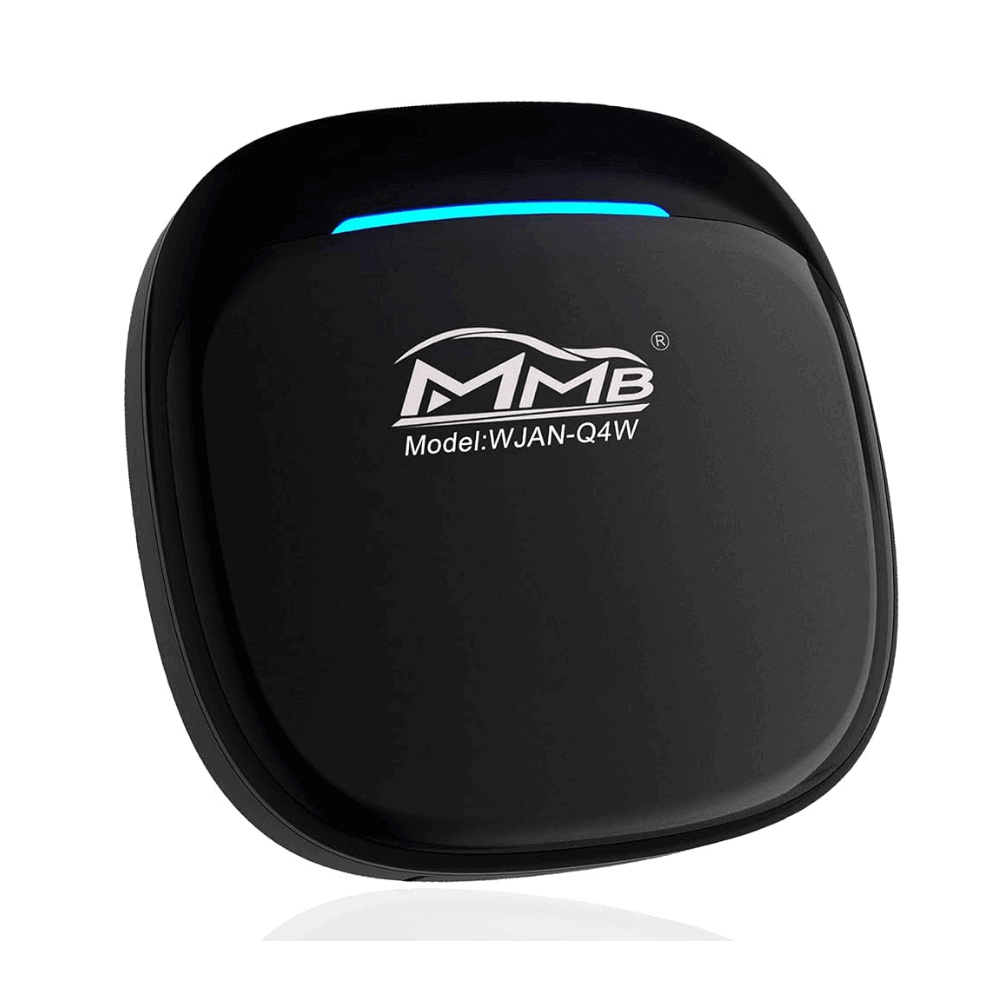
Key specs:
- iOS compatibility: iOS 10 – iOS 26 ✅
- Connection: Bluetooth + USB
- YouTube: ✅ | Netflix: ✅
- Simple Bluetooth pairing setup
- Budget-friendly entry point
Setup steps:
- Plug the MMB AI Box into your car's USB CarPlay port
- Start the car and wait for the AI Box to boot
- Pair your iPhone via Bluetooth following the on-screen prompt
- Connect to your mobile hotspot for streaming
- Open YouTube from the AI Box app menu
Most Affordable AI Box in the Market
What's New in iOS 26 for CarPlay?
Liquid Glass UI redesign: Apple's new translucent design language now applies across all CarPlay elements — icons, controls, and tab bars. Three appearance modes are available: Default, Dark, and Clear, with Light/Dark/Auto sub-options. iOS 26.2 further refined these animations.
Live Activities on CarPlay: Real-time data from iPhone apps appears automatically on the CarPlay dashboard without any interaction. Real-time updates for weather, flight tracking, delivery updates, sports scores, ride-sharing status, and timers all display live.
CarPlay Ultra: The CarPlay interface now extends across the entire instrument cluster in compatible vehicles. Launched May 2025 exclusively on Aston Martin. Upcoming partners include Hyundai, Kia, and Genesis. Requires iPhone 12+ on iOS 18.5+.
Side dock icons and multitouch: A persistent side dock provides quick access to key apps. Multitouch navigation is now supported in Maps — including pinch-to-zoom — allowing more natural interaction with the car screen.
Customisable EQ settings: Audio equalizer settings can now be adjusted directly from within CarPlay, allowing users to tune sound output without leaving the CarPlay interface.
Customizable Widgets: You can now add widgets for Notes, Stocks, and more directly to your CarPlay home screen.
iOS 26 — CarTube & TDS Compatibility
| CarTube IPA | ✗ (Supports iOS 8–15.7.7 only) |
|---|---|
| TDS CarPlay | ✗ (Patched in iOS 18.6+) |
| CarPlay AI Box | ✅ (Recommended — works on all iOS versions) |
| CarStream | N/A (Android Auto only) |
Check Your Device, iOS Version Compatibility using Cartube Compatibility Checker
Frequently Asked Questions: YouTube on CarPlay iOS 26
Does CarTube work on iOS 26?
No. CarTube supports iOS 8 through iOS 15.7.7 only. Apple introduced sideloading restrictions in iOS 16 that permanently block CarTube IPA installation on any newer device.
Does TDS CarPlay work on iOS 26? No. Apple's iOS 18.6 security update patched the exploit TDS CarPlay relied on, and this patch carries into every version of iOS 26. TDS CarPlay no longer functions on iOS 18.6, iOS 18.7, or any iOS 26 version. There is no workaround.
Is there any free YouTube on CarPlay option for iOS 26? Currently, no. There is no free software-only method that works on iOS 26. The only reliable path is a CarPlay AI Box — a paid hardware solution. A native Apple AirPlay video feature exists in iOS 26 but requires automaker activation and is not yet available on any vehicle as of 2026.
Can I downgrade iOS to use CarTube or TDS CarPlay? Not practically possible in 2026. Apple no longer signs iOS 15 firmware, which means the standard downgrade process fails on most devices. Attempting it also permanently removes iOS 26 security updates from your device.
Does CarPlay Ultra support YouTube natively? Not yet as of 2026. CarPlay Ultra extends the interface to the instrument cluster and adds deeper vehicle integration, but it does not unlock native YouTube playback. It is currently only available on Aston Martin vehicles.
What CarPlay AI Box works with iOS 26? The Carlinkit AI Box and Ottocast AI Box are both confirmed to work with iOS 26. For a full side-by-side comparison of specs, pricing, and setup requirements: Best CarPlay AI Box for YouTube — 2026 Guide