![Cartube - Watch Youtube on Carplay & Android Auto[iOS 26 Guide]](https://cartube.app/content/images/2023/08/Primary-Logo--1-.png)
Best CarPlay AI Box for YouTube & Netflix (2026)
A CarPlay AI Box plugs into your car and enables YouTube, Netflix, and any app on CarPlay — no jailbreak, no subscription. Works with all iOS versions including iOS 26.
What Is a CarPlay AI Box?
A CarPlay AI Box is a small hardware adapter that plugs into your car's USB port. It runs a separate Android-based system alongside your existing CarPlay connection, giving you access to the Google Play Store and any app, including YouTube, Netflix, Spotify, and more. It does not require any modification to your iPhone and works with all iOS versions.
You might need one if you are:
- Running iOS 26, iOS 18, iOS 17, or iOS 16 — CarTube and TDS CarPlay are not compatible with these versions
- Looking for streaming apps beyond what CarPlay officially supports
- Wanting a plug-and-play solution with no jailbreak or sideloading
Why CarTube and TDS CarPlay No Longer Work
Apps like CarTube and TDS CarPlay were the go-to solutions for YouTube on CarPlay without a jailbreak. CarTube relied on TrollStore sideloading and supported iOS 8–15.7.7. TDS CarPlay used a CarPlay screen mirroring entitlement and worked on a wider range of iOS versions, reaching over 50,000 downloads before Apple's iOS 18.6 update closed the method it relied on.
With both software paths now closed for iOS 16 and above, CarPlay AI Boxes have become the standard hardware-based alternative. They require no iOS modifications and work with every iOS version.
MMB AI Box Review
 Carplay Hacks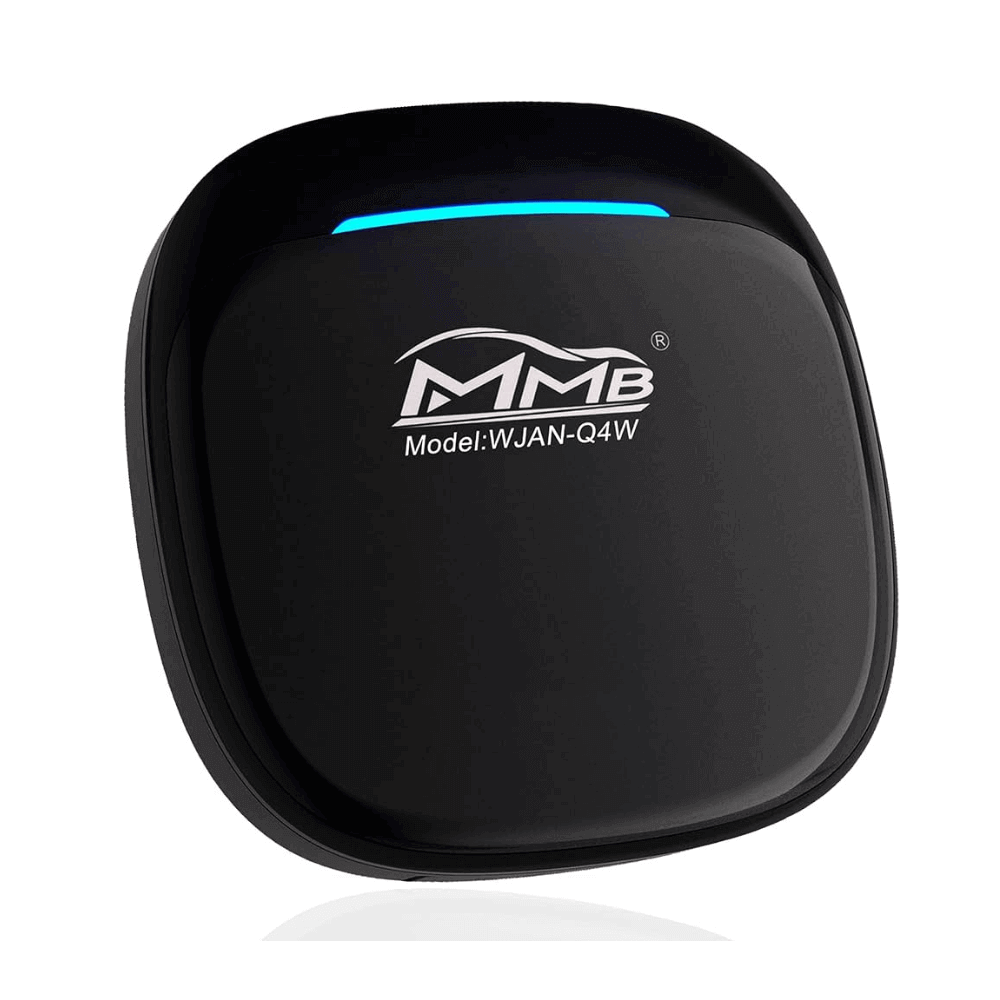
| iOS compatibility | iOS 10–iOS 26+ * |
|---|---|
| Connection | Bluetooth + USB |
| YouTube | ✅ |
| Netflix | ✅ |
| Tested on | iOS 26+ ✅ |
Pros:
- Affordable entry point
- Simple Bluetooth setup
- User-friendly interface
Cons:
- Lower RAM than Carlinkit or Ottocast
- iOS 26 compatibility unconfirmed
- Requires hotspot for streaming
Most Affordable AI Box in the Market
Affiliate link — we may earn a commission at no extra cost to you.
Carlinkit AI Box Review
 Carplay Hacks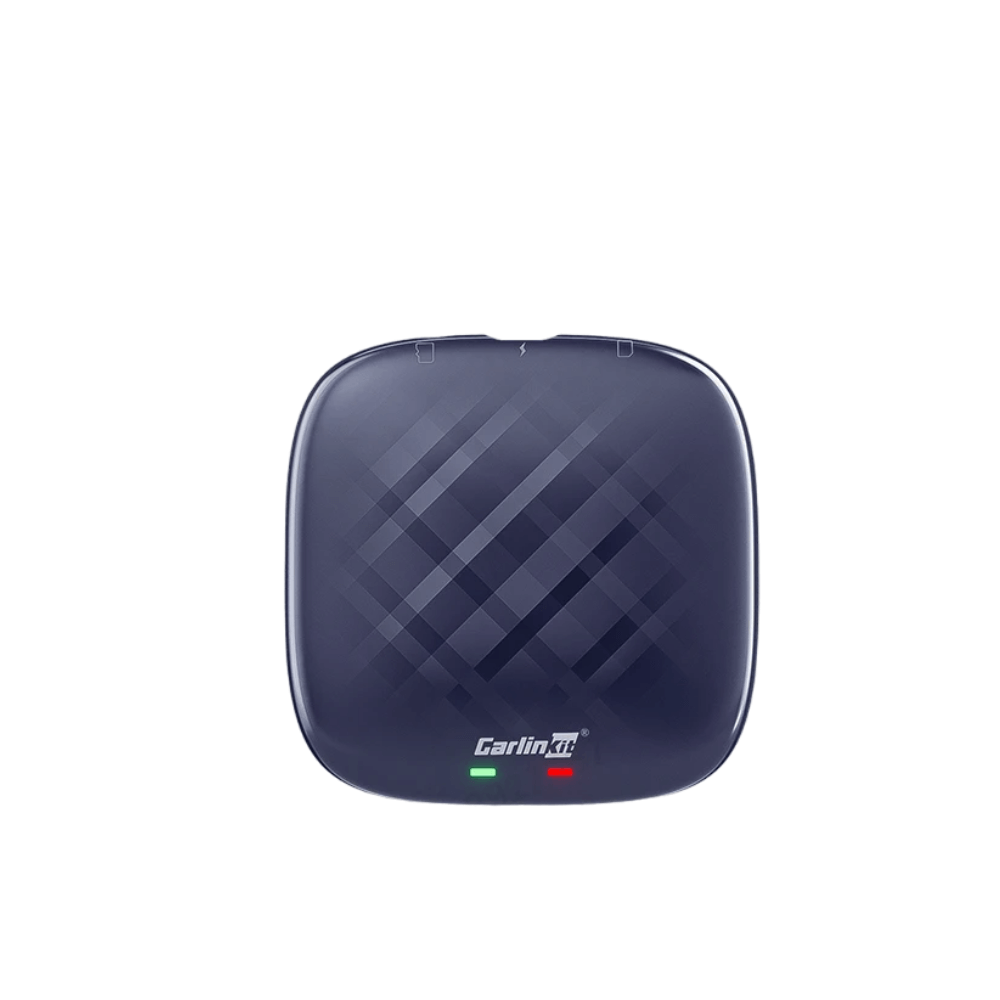
| iOS compatibility | iOS 10–iOS 26 ✅ |
|---|---|
| Android support | Android 11+ |
| Connection | USB + Bluetooth + Wi-Fi |
| RAM | 4GB / 8GB options |
| 4G support | ✅ |
| YouTube | ✅ |
| Netflix | ✅ |
Pros:
- Widest iOS compatibility — confirmed iOS 26
- Budget-friendly with 4GB or 8GB RAM options
- Seamless auto-connection
- 4G network support for areas without phone hotspot
Cons:
- Requires mobile hotspot or Wi-Fi for streaming
Carlinkit AI box is overall best for the mid-sized market
Ottocast AI Box Review
 Carplay Hacks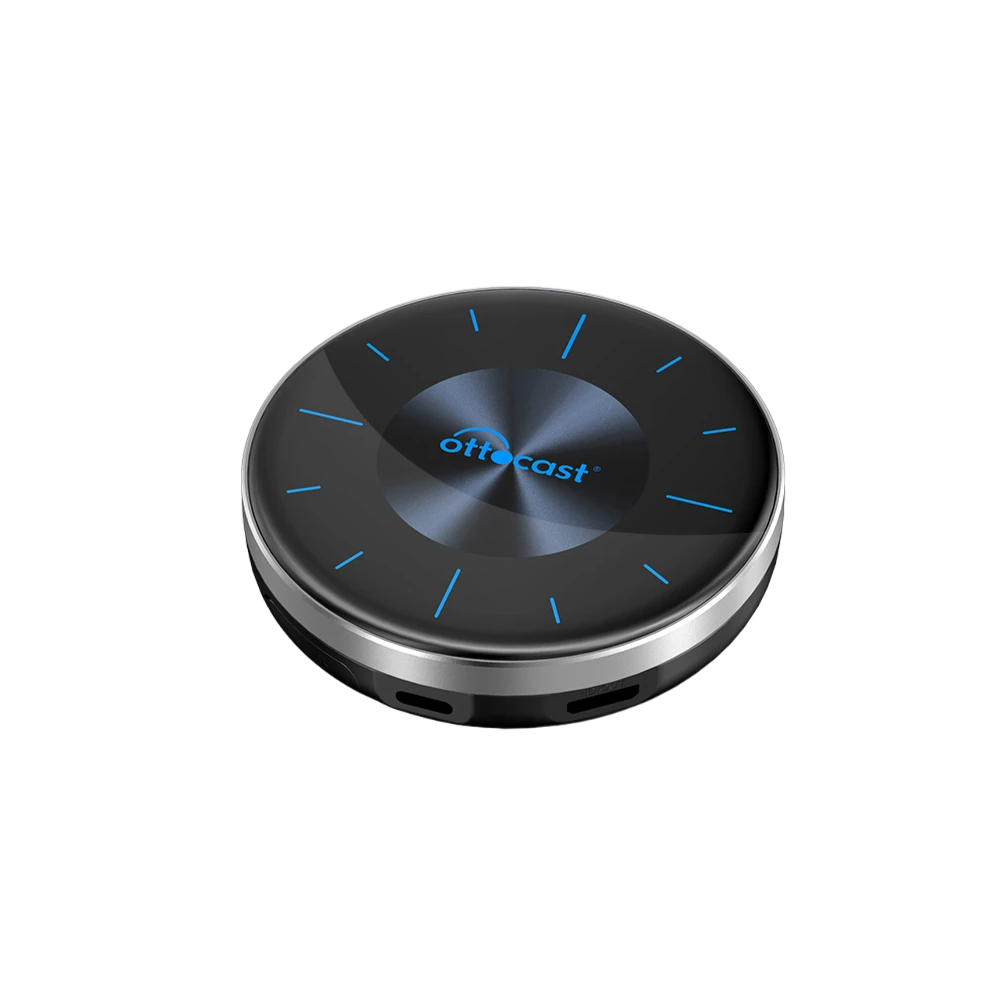
| iOS compatibility | iPhone 6+, all iOS versions ✅ |
|---|---|
| Android support | Android 14+ |
| RAM | 8GB |
| Storage | 128GB |
| YouTube | ✅ |
| Netflix | ✅ |
| Spotify | ✅ |
Pros:
- Highest specs of the three
- Multiple screen support
- Best for heavy daily use and long trips
- Confirmed support for all iOS versions including iOS 26
Cons:
- Higher price point than MMB or Carlinkit
- Android 14+ requirement is more restrictive for Android Auto users
Best premium Carplay AI Box for Netflix and Youtube
CarPlay AI Box Comparison
| Feature | MMB AI Box | Carlinkit AI Box | Ottocast AI Box |
|---|---|---|---|
| iOS 26 Support | ✅ | ✅ | ✅ |
| iOS 18.x Support | ✅ | ✅ | ✅ |
| Android Support | Limited | Android 11+ | Android 14+ |
| RAM | 4GB | 4GB / 8GB | 8GB |
| Connection | BT + USB | BT + Wi-Fi + USB | BT + Wi-Fi |
| YouTube | ✅ | ✅ | ✅ |
| Netflix | ✅ | ✅ | ✅ |
| Price Range | Budget | Mid | Premium |
| Best For | Casual use | Best value | Heavy use |
Which CarPlay AI Box Should You Buy?
- On a budget or buying for the first time → MMB AI Box. Note: confirm iOS 26 compatibility with the seller if you are on iOS 26.
- Best balance of price and features → Carlinkit AI Box. Confirmed iOS 26 support, 4G capability, and auto-connection make it the most versatile option.
- Want the best specs for daily heavy use → Ottocast AI Box. The 8GB RAM and 128GB storage handle long trips and multiple apps without lag.
All three work with iOS 16, 17, 18, and iOS 26. See the full compatibility guide for CarTube legacy iOS support.
CarPlay AI Box Not Working? Common Fixes
If your CarPlay AI Box is not connecting or streaming, work through these fixes before contacting the seller.
Issue: AI Box boots but CarPlay is not detected
- Unplug the AI Box and plug it back in — some cars require a cold boot
- Try a different USB cable — the supplied cable may not carry data
- Check that your car's USB port supports CarPlay (some USB ports are charge-only)
- Restart your iPhone and reconnect
Issue: YouTube buffers or will not load
- Confirm your iPhone hotspot is active and the AI Box is connected to it via Wi-Fi
- Move your iPhone closer to the car — hotspot range is limited through metal bodywork
- Check mobile data signal strength — YouTube requires a minimum of 4G for stable playback
- Restart the AI Box by unplugging for 10 seconds
Issue: AI Box connects but app store is empty or apps will not install
- Sign in to a Google account on the AI Box — the Play Store requires a Google login
- Check that the AI Box Android version meets the app's minimum requirements
- Some AI Boxes ship with a pre-installed launcher — YouTube may already be available without the Play Store
Issue: Carlinkit AI Box does not auto-connect on startup
- Enable hotspot on your iPhone before starting the car
- Go to Wi-Fi settings on the AI Box and save your hotspot as a remembered network
- Check that the Carlinkit firmware is up to date via the settings menu
Issue: AI Box works but CarPlay interface disappeared
- Switch back to CarPlay mode via the AI Box home screen — there is usually a CarPlay icon
- If the CarPlay icon is missing, unplug and replug the AI Box
- Update the AI Box firmware if the problem persists after reconnection
Still stuck? Check the seller's support page or the product listing Q&A on the shop for device-specific fixes.
FAQs about AI Boxes
Does a CarPlay AI Box work with iOS 26?
Yes — Carlinkit and Ottocast have confirmed iOS 26 support. MMB AI Box iOS 26 compatibility has not been officially confirmed — check with the seller before purchasing if you are running iOS 26.
Is a CarPlay AI Box the replacement for CarTube and TDS CarPlay?
Effectively yes for iOS 16 and above. Both CarTube and TDS CarPlay no longer work on modern iOS. A CarPlay AI Box is the current recommended solution for iOS 16, 17, 18, and 26. If you are on iOS 15.7.7 or below, CarTube still works and is free.
Do I need to jailbreak my iPhone to use a CarPlay AI Box?
No. A CarPlay AI Box works independently of your iPhone — no jailbreak, no sideloading, and no changes to your iPhone are required.
Does a CarPlay AI Box replace CarPlay?
No. It runs alongside CarPlay. You can switch between the standard CarPlay interface and the AI Box interface on your car screen at any time.
Do I need a data /active internet connection ?
Yes — you will need a mobile hotspot from your iPhone or car Wi-Fi to stream YouTube and Netflix. The Carlinkit AI Box also supports 4G connections directly.
Are CarPlay AI Boxes legal?
Yes. CarPlay AI Boxes are standalone Android devices — no hacking or exploitation of Apple software is involved. They are sold openly by major retailers.
Will a CarPlay AI Box void my car warranty?
No — the AI Box only uses the USB port, which is a standard accessory connection on all compatible vehicles. It does not modify any vehicle software or hardware.
What is the difference between a CarPlay AI Box and a wireless CarPlay adapter?
A wireless CarPlay adapter simply converts a wired CarPlay connection to wireless — it does not add new apps. A CarPlay AI Box runs a full Android operating system alongside CarPlay, giving you access to YouTube, Netflix, and any Android app that CarPlay does not natively support.